

Wake Forest University

Faculty

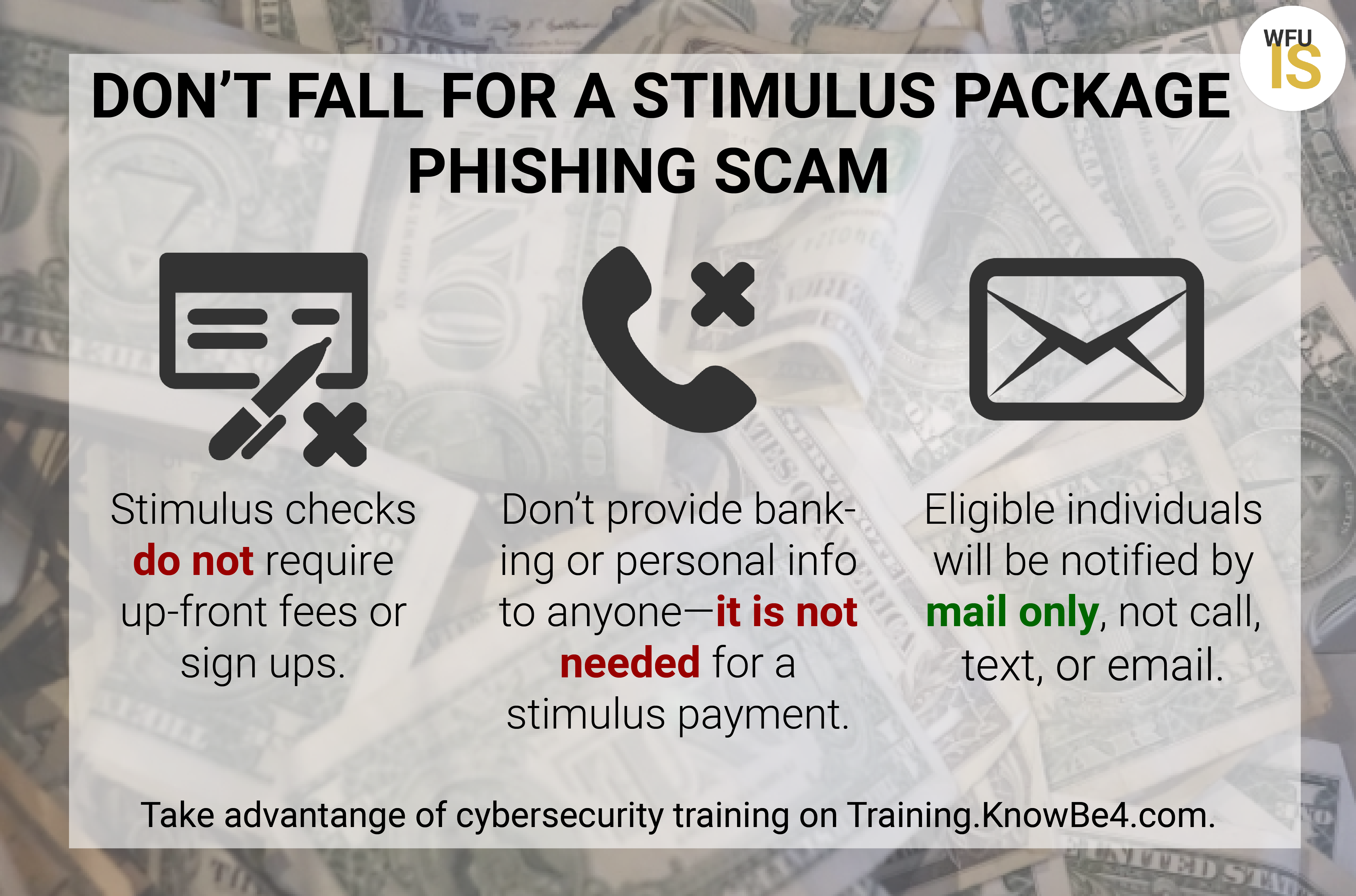
Graphic illustration of text describing how to protect against stimulus package phishing scam

Beware of Scams around Stimulus Payments

Since the federal government announced the Stimulus Package, criminal efforts aimed at obtaining personal and financial information are rising.   What you need to know: Scammers are calling, texting, emailing, and using websites to try and obtain personal and financial information. Do not provide banking or personal information to anyone claiming it is needed to receive… Read More »


IS Logo

Technology best practices while sheltering in place

Remote teaching, learning, and working presents an opportunity for each of us to create a home workspace that is comfortable, safe, and secure for ourselves, as well as our technology and our data. Here are some best practices to follow while we are sheltered in place.

Person typing on laptop on outside table

Enabling Resources to Assist you to Work and Teach Remotely

  Be prepared! Have a plan if you ever need to work or teach remotely. IS has compiled a list of resources available to you if campus work is interrupted for any reason. Learn which services require VPN in order to be accessed, which services enable chat and video conferencing, how to make the most… Read More »

Canvas at Wake Forest

Canvas Open Labs

Stop by the Green Room in Reynolda Hall Monday, January 13 and Tuesday, January 14, from 1 – 5 PM to meet with members of the Canvas Implementation Team. Open to all faculty, students, and staff. Get your questions answered, learn fun tips-and-tricks from the LMS Manager herself, and pick up some Canvas swag! Visit… Read More »

IS Logo

November Creative Exchange

Join us for our next monthly Creative Exchange – an informational conversation and lecture series designed to inspire and ignite creativity and community. Coffee and refreshments are provided! Friday, November 22, 2019 9:00-10:00am in ZSR Auditorium, #404 For November, we welcome filmmaker, humanitarian, and entrepreneur Wubetu Shimelash. As an entrepreneur, Wubetu Shimelash is the Co-Founder… Read More »

IS Logo

October Creative Exchange

Information Systems Academic Technology has recently launched Creative Exchange, a new initiative designed to spark creative dialogue and community among our faculty, staff, and students. Every month, there is an informal conversation and lecture about a creative topic happening in our community. Please join us this month, Friday, October 25th, at 10:30am in the ZSR… Read More »

IS Logo

Dropbox Enhancements – New Desktop App and G Suite Functionality

Attention Dropbox users! Now, you can create, access, and share cloud content like Google Docs, Sheets, and Slides and Microsoft Office files within Dropbox.   The “new” Dropbox gives users the ability to take advantage of Dropbox storage and utilize the Google editor and interface within Dropbox. Enhancements include the ability for users to: Create, access,… Read More »

IS Logo

WFU Telephone Change to VoIP

The campus telephone service carrier has changed to AT&T. This change was the last major task of the ongoing conversion from, and retirement of, the Nortel phone system to voice over IP, providing improved telephone services across campus, higher call sound quality, and an improved user experience. What has changed: Your phone number listing on… Read More »

IS Logo

Apply for a 2019 T-CART Grant!

Information Systems and the Office of the Provost are excited to announce the 2019 T-CART Grant Program. This program provides funding for Faculty summer projects to explore new and existing technologies with the potential to enhance teaching, scholarly, and creative work. T-CART includes two grants: the annual Summer Technology Exploration Program (STEP) grants, and the inaugural… Read More »

IS Logo

Apple macOS Mojave Tested and Ready for Download

Information Systems staff thoroughly tested the new operating system and determined it meets our compatibility and performance requirements. We are confident that macOS Mojave is ready for download and use on Wake Forest allocated computers. Additional information about macOS Mojave and how to download the software can be found here.