

Academic Technologies
Adobe Creative Cloud
Adobe Creative Cloud gives users access to a collection of software developed by Adobe for graphic design, video editing, web development, photography, and cloud services.
Adobe Creative Cloud Express
Easily create social graphics, flyers, logos, and more on web and mobile with Adobe Creative Cloud Express (formerly Adobe Spark). The premium version is available to students, faculty, and staff with their WFU Adobe account.

Camtasia
Faculty, students, and staff have access to Camtasia, a screen recording and video editing tool that allows you to record onscreen activity, audio and webcam video, and narrate existing PowerPoint presentations. Through Camtasia, you can record, edit, produce, and share course content.

Canvas
Canvas is Wake Forest’s Learning Management System (LMS) well known for its usability and mobile app.
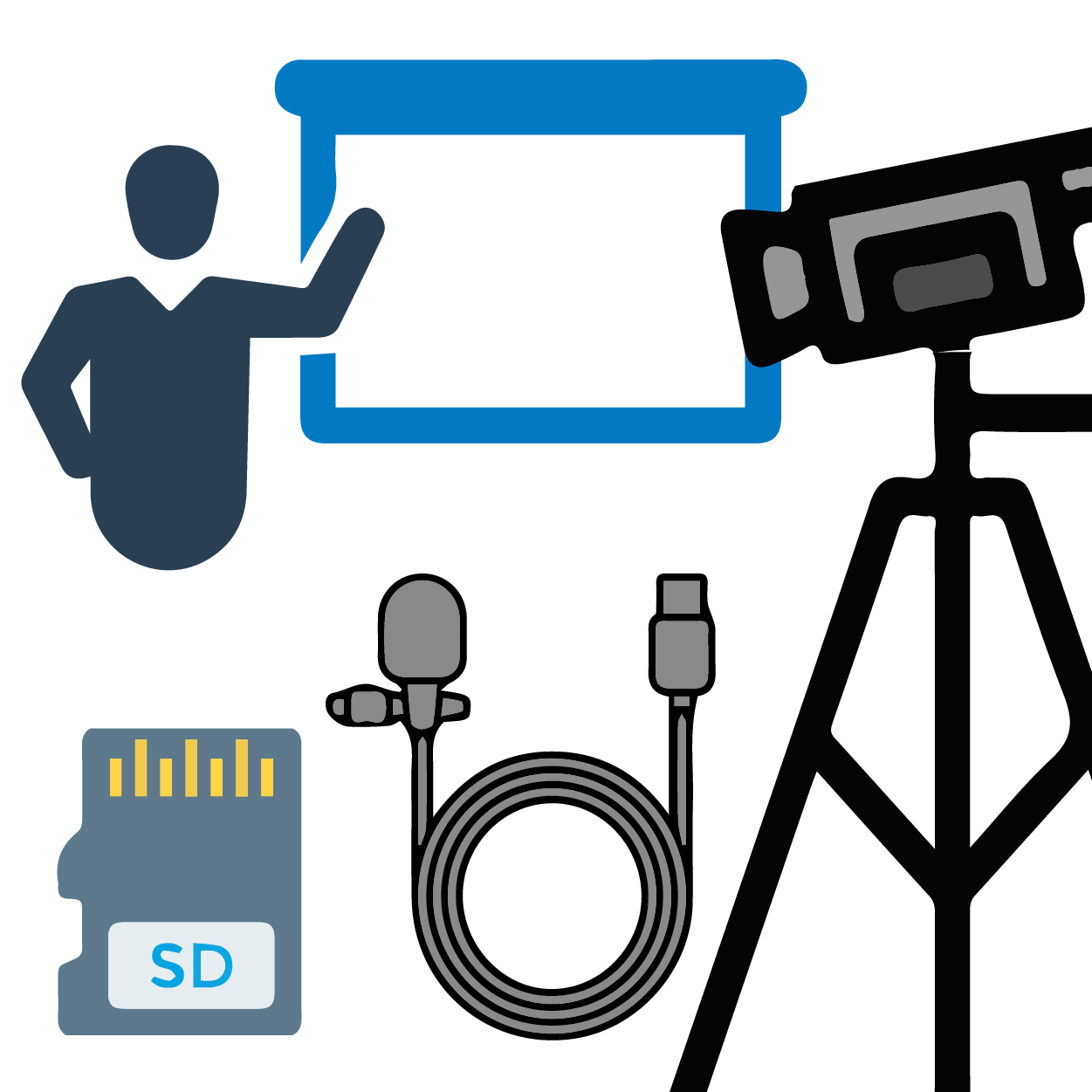
Class Recording Kit for Reynolda Campus
The Class Recording Kit provides faculty with self-service, easy-to-use video recording kits designed to record or broadcast (Google Meet, Webex, Zoom) an in-person class event to share with students who are unable to attend.

Google Classroom
Create a project site using Google Classroom! Here you can create a course outside of Banner registration, a non-credit course, or a course that includes students that don’t have a Wake Forest Gmail account.

Google Sites
Utilize the Google suite of productivity tools with this easy-to-use website creator. Accessed using your Wake Forest account, Google Sites provides faculty, students, and staff the ability to create websites featuring drag and drop functionality.
High Performance Computing
The DEAC Cluster is a centralized research computing environment for the entire University.

Hypothesis
Using annotation, Hypothesis enables sentence-level note taking or critique on top of classroom reading, news, blogs, scientific articles, books, terms of service, ballot initiatives, legislation and more.

Instructional Technology (ITG)
The Instructional Technology Group provides academic departments discipline-focused expertise in technology tools, procedures and resources to support the teaching and research.

iTunes U
Wake Forest University participates in the iTunes U program, offered by Apple through the iTunes platform. Interviews, classes, and other featured content is publicly available for free.

Kaltura
Kaltura is an all-in-one tool that allows you to record, edit, publish, and share media content through your Canvas course or MediaSpace Portal.

Multimedia Technology
IS currently maintains over 400 multimedia technology-enabled spaces. Rooms contain various levels of multimedia integration, from simple television monitors, to elaborate high definition projection systems with multiple inputs.

One Button Studio
The One Button Studio is an automated video recording facility with a student focus, located in Z. Smith Reynolds Library behind the Service Desk.

Qualtrics
Qualtrics is an easy-to-use, full-featured, web-based tool for creating and conducting online surveys and generating reports without having any previous programming knowledge.

Sakai
Sakai is a set of software tools designed to help faculty and students create websites for collaboration. An instructor can track grades, create discussion boards, and receive assignments digitally.
Video Conferencing
IS offers video conferencing solutions free of charge to faculty, staff, and students. Connect with lecturers, experts, the business community, and more.

VoiceThread
Commonly used for narrated PowerPoint presentations, VoiceThread is a highly flexible, collaborative environment for video, voice, images, and common documents.

WakeSites
WakeSites provides Wake Forest students, faculty, and staff the tools to build dynamic websites using web platforms such as WordPress, Omeka, and Scalar.

WakeWare
WakeWare is a robust student computing program that recommends highly configured, insured, and supported personal computing devices at a negotiated price for our undergraduate students.

Webex
Cisco Webex is a platform for hosting and attending online meetings and presentations, webinars, training, and online presentations. Available to all Faculty, Staff, and Students.

Zoom
Zoom for desktop and mobile is a platform for video conferencing, recording meetings, chatting, screen sharing, and more.