


Digital signage refers to displaying content (such as slideshows, videos, and advertisements) on a digital display. Content can be rotated automatically or manually updated. TVs are generally used for digital signage on campus.
Using a Chrome Device for Digital Signage
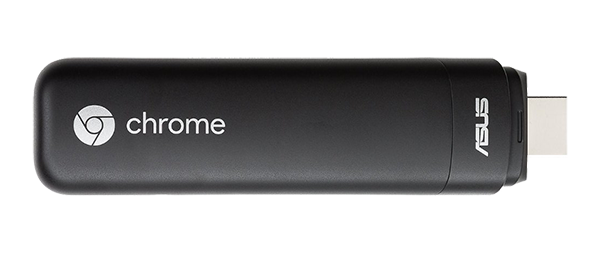
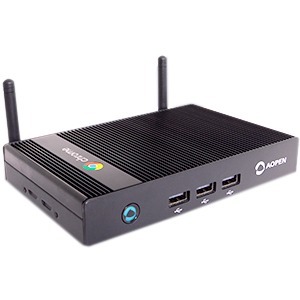
A Chromebit or Chromebox Mini are devices running Google’s Chrome OS operating system. When connected to the HDMI port of a television or a monitor, this device turns that display into a personal computer.
Chromebits and Chromebox Minis are used across campus to display digital signage content in a variety of ways; for example, using Google Slides to run a looping slideshow.
Get Started
For guidance in implementing a digital signage solution, please contact the IS Client Technologies team by opening an AskDeac request ticket.