

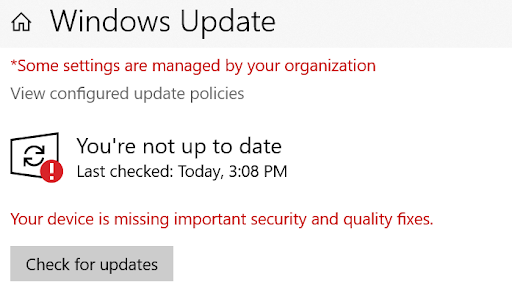
Microsoft has released a security patch for the PrintNightmare bug, a recently discovered vulnerability that lets attackers take control of devices. Users are encouraged to update their personal Windows devices as soon as possible.
Note, faculty and staff with University-managed devices do not need to take any action, as the patches were automatically pushed out.
Update Windows to Apply the Security Patch
- Visit the Start Menu and select Settings.
- Select Update & Security
- Select Check for Updates.
- Select KB5004945 to fix the PrintNightmare bug.
- After a few moments, you will be prompted to restart your computer.
For best security, devices should be set to auto-update, to ensure critical and routine patches are applied as soon as possible.
If you have questions concerning this message or need assistance, please contact the Information Systems Security Team at infosec@wfu.edu.