

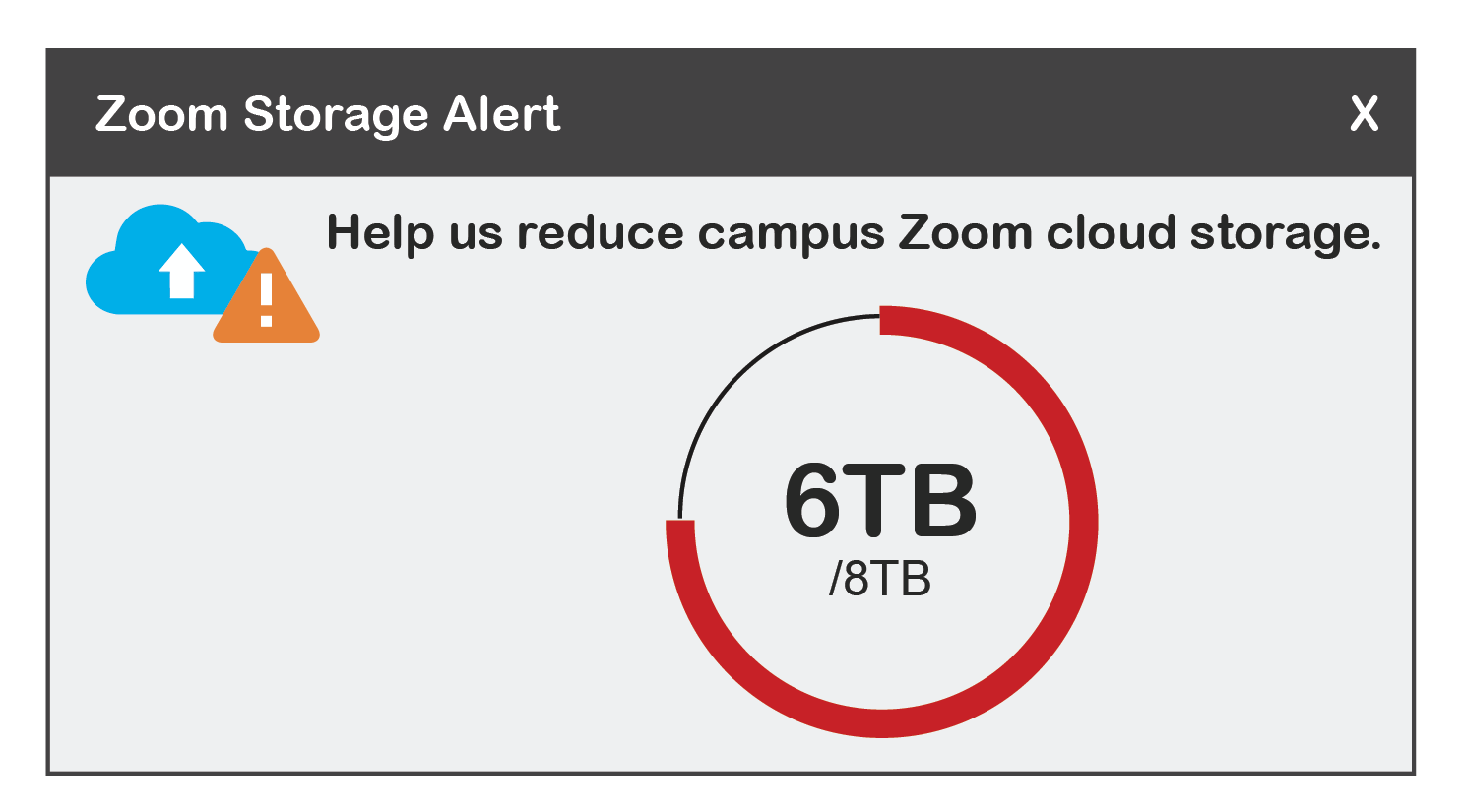
Thanks to your continued efforts, we have managed to reduce our campus Zoom storage by over 1 terabyte while continuing to record our meetings and classes. At this rate, we have a chance at making it to the end of the semester without exceeding our campus capacity!
Last spring, Information Systems rolled out Zoom to support the rapid transition to remote teaching, learning and working. Because of its robust functionality and integration with Canvas, Zoom quickly became Wake Forest’s preferred video conferencing platform with over 260,000 Zoom meetings hosted last year alone.
We, as an institution, have used nearly 90% of our Cloud Storage, and. faculty and staff are continuing to save over 300 gigabytes (around 1000 hours of video) to our Zoom Cloud every week! At this rate, we will run out of storage before the end of the semester.
We are asking for your help in reviewing your Zoom Cloud recordings to determine if there are any recordings that are no longer needed and can be deleted. If you delete or move your recordings in your Zoom Cloud storage by Wednesday, March 31st, you can enter to win an iPad Pro! Fill out this form to be entered to win!
For long-term storage, consider utilizing Google Drive and Kaltura (for enhanced sharing and collaboration). As you are going through your Zoom Cloud, we encourage you to move any permanent videos to another platform and to delete the recordings from Zoom. View the help articles below to learn how to make this process as easy as possible.
- Delete multiple files out of the Zoom Cloud
- Download files out of Zoom Cloud
- Upload videos to Kaltura
- Upload files to Google Drive
If you have questions or need further assistance, please contact the Information Systems Service Desk at help@wfu.edu or 336-758-4357 (HELP).