

Faculty & Staff Computer Exchange
Faculty and staff computers are on four-year replacement cycles. Exchanging your device in this cycle is important to keep up with changing security and compatibility requirements. It also ensures faculty and staff have a reliable and high performing computer to conduct their work. Information Systems will email faculty and staff due to exchange each Spring to outline the exchange process.
2022 Computer Models
Available July 1, 2022.
Standard model computers are updated based on the models that are currently available from the manufacturer. Note that the models may be updated as Information Systems is continually evaluating newly released models. The models shown are for the 2022 Faculty & Staff Exchange.

Lenovo ThinkCentre Tiny-in-One Desktop
Designed for heavy-duty, intensive tasks, the ThinkCentre Tiny is a compact PC that makes an impact. It boasts powerful 8th Generation Intel® processing, highly responsive memory, and lightning-fast storage options. Its size and versatility will free up valuable desk space, too.

Lenovo X13 Yoga
This stylish powerhouse adapts to work with you—as a laptop, tablet, or anything in between. Hardware-level security features provide peace of mind when you’re on-the-go.

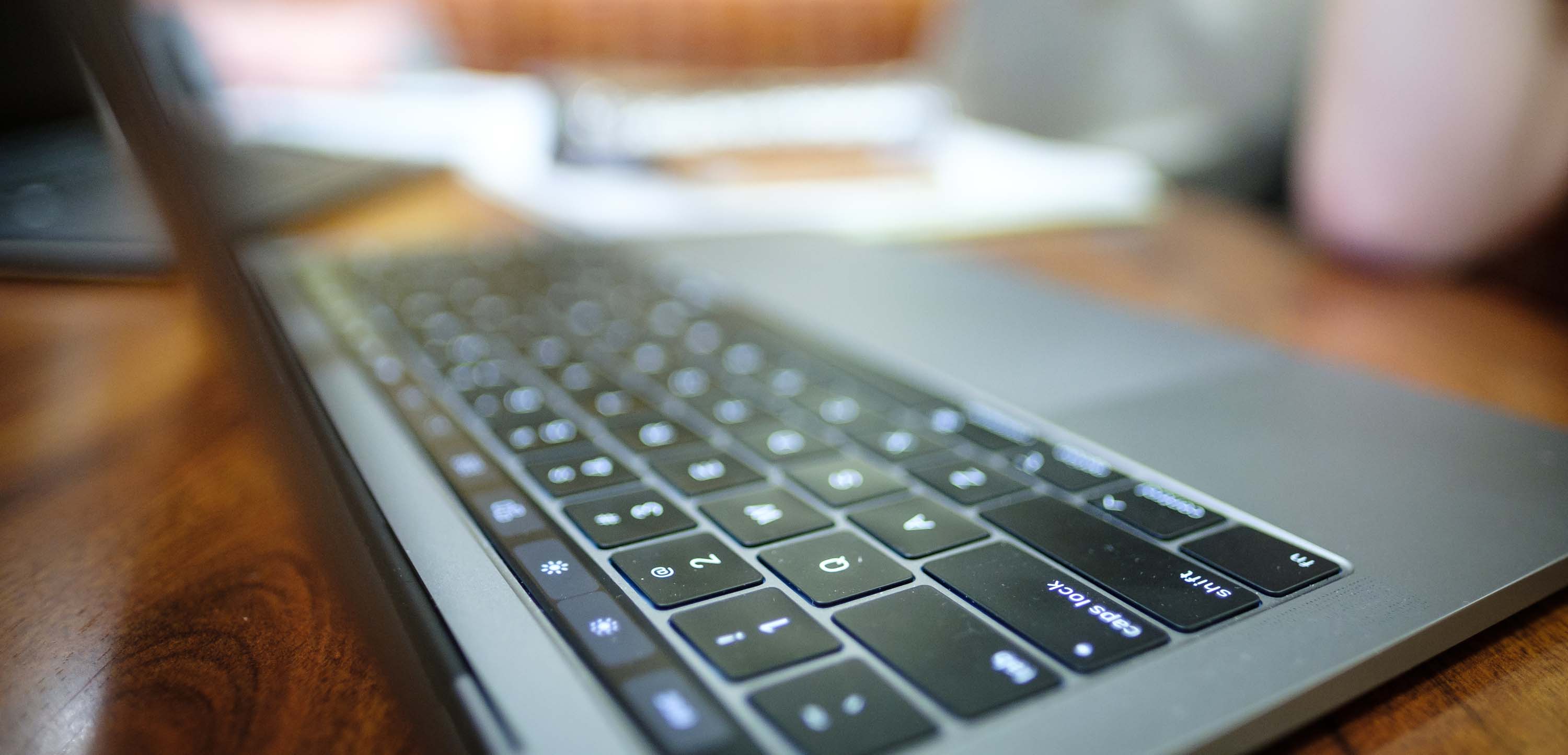
Macbook Pro
Powered by the new M1 Chip, a chip designed specifically for Mac, the MacBook Pro reaches new heights in computing performance and graphics horsepower. The Apple M1 system, integrating the CPU, GPU, and Neural Engine to provide a faster and speedier experience.

Surface Laptop 4
From video calls anywhere to virtual collaboration you get the perfect balance of mobility and performance uninterrupted with all day battery.

Surface Laptop Studio
Transition seamlessly from a high-performance laptop to a perfectly angled stage for meetings to a full-horsepower creative canvas. Work however you want with this powerful and flexible Surface Laptop.

Surface Pro 8
Surface Pro 8 combines the power of a laptop with the flexibility of a tablet and every angle in between with the iconic Kickstand. Work however and wherever you choose with built-in Slim Pen storage and charging in the detachable Keyboard.
Computer Exchange Overview
Faculty and staff eligible for exchange will receive emails from computerexchange@wfu.edu. Please reference these emails and visit this webpage for steps to take to ensure a successful exchange process.
On-demand training videos
Created by our WFU Training team, these videos are specific to your new computer and are available to compliment the in person and Zoom training sessions.
Live Training Opportunities
To maximize your training with your new computer and to get your questions answered, sign up for a live training session! Multiple in person and Zoom opportunities are available.
Have Questions?
If you have any questions, or if the offered configurations do not meet your computing needs, please contact Barbara Lardin at computerexchange@wfu.edu or (336) 758-5654.
Wanting to make a personal purchase?
If you are a student or faculty/staff member looking to make a personal computing purchase, please do so through the WakeWare program. Education pricing is available to the entire WFU community.