

Author: Brae Troutman, Student Technology Consultant
If you’re reading this article, I’m sure that you’re familiar with the wealth of tools available within the adobe creative cloud suite of applications.
From Photoshop to Audition to InDesign, there are so many ways to edit and create right on your own computer. As user demands get higher though, and as the work we want to do becomes more and more computationally intensive, editing and creating on your own hardware becomes infeasible–or at least a little bit annoying. I can speak to personal frustration with Photoshop edits and Premiere Pro sequencing running abysmally slow on my own computer: so what’s to be done?
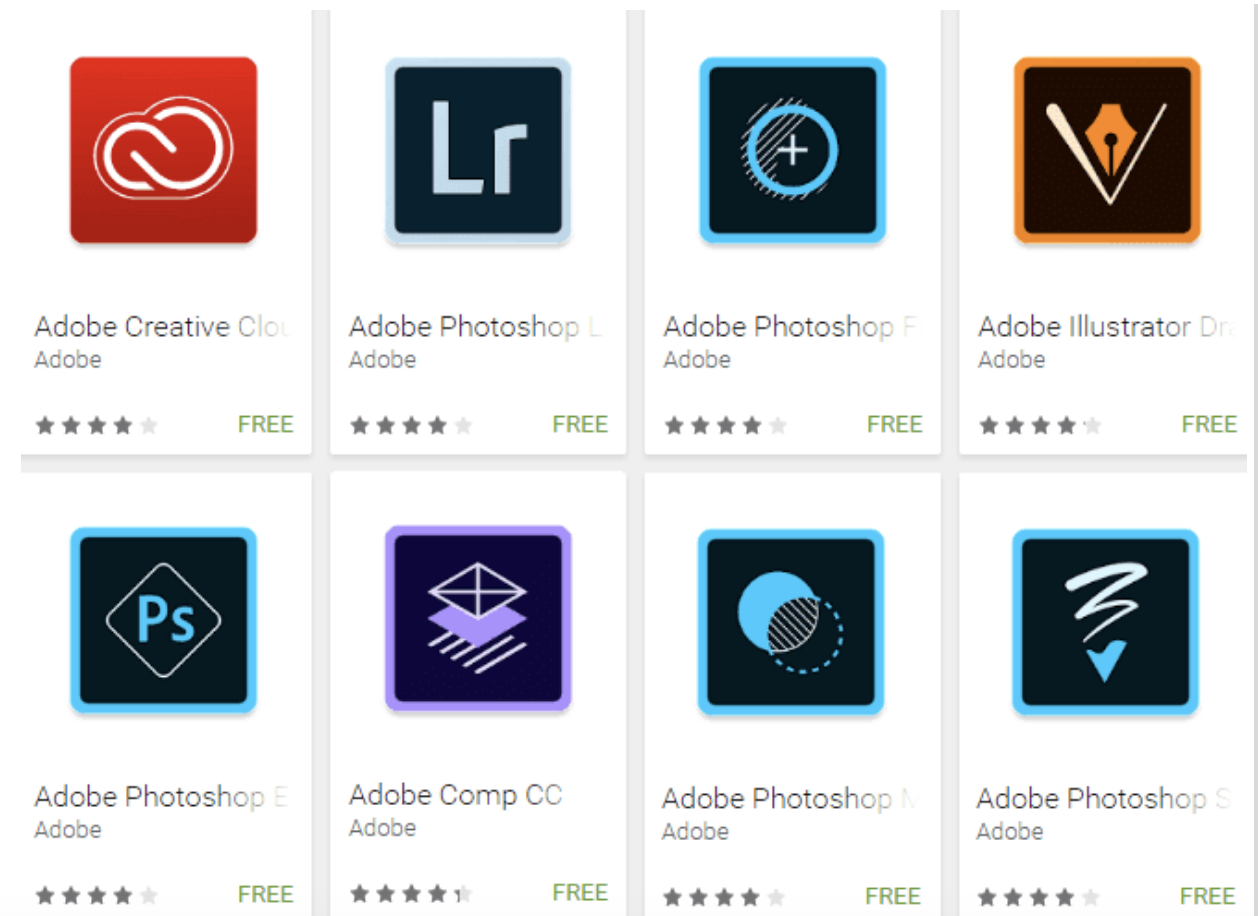
This is where the cloud portion of Adobe Creative Cloud comes in: rather than running expensive jobs on your own computer, you can use Adobe’s cloud applications to do the work for you. You simply go to the web page, specify the edits you want to make, and then some computer off in the aether gets to work making those changes and sending them right back to you: no personal computing time necessary. This functionality isn’t available within every app you may work with, but it’s fully integrated with or even central to many useful apps in the Creative Cloud Suite: Spark, Lightroom, and Color among others. Using these apps you can create beautiful graphics, photo edits, and palettes lightning fast without worrying about slowing down your own computer.
So you see, Adobe Creative Cloud is about more than just storing files for you, it has so much more functionality to make your creative pursuits faster and easier! Check out your Creative Cloud app to view a full list of available Cloud-based and Mobile applications, or get write to creating by checking out https://spark.adobe.com/sp/