

Author: Brae Troutman, Student Technology Consultant
Becoming a student tech consultant, one of the things I was intimidated by from the beginning was the idea of producing my own media for digital storytelling and other projects. I work with a group of very talented and creative people who are amazing at envisioning projects and ideas in new ways, and translating them to audio, visuals, or any other medium using the software available to us. In creative classwork and tech consultant work alike, it was easy to get caught up in wondering whether my creative skill or vision really compared to those around me. Even at Wake Forest in general, we have a student body of incredible minds and talent that make it easy to feel like what you produce and do just doesn’t measure up
After a whole semester with the program however, I’ve learned a lot more about my creative ability and what I have to contribute. Both in my job and in today’s format of education, digital media is absolutely essential and central: and there are a few things that I’ve taken note of in my multi-modal work and educational experience that helped me to feel confident and proud of the work that I produce. While not everyone who reads this is a tech consultant of course, I think that these ideas are valuable to anyone who is engaging in education and work in this time where so much of our interaction has become digitized: I suppose everyone’s having to get a little creative!
Be confident in the abilities you already have, but also be ready to learn more
Know your strengths within and without the world of creative technology. I came into the tech consultant position knowing how to use Photoshop for image correction from my previous job, but there are so many more media we use as tech consultants beyond PS. I took comfort in the fact that I used to know nothing about photoshop, but had learned how to use it quite well for my previous job. In the same way, I was only just starting out using Illustrator, Premiere Pro, and other applications, but I kept in mind that I could learn to use them well if I put the time in.
Use your resources
One way that I improved my skills in creative software here at Wake was by attending WakerSpace virtshops or taking tutorials on LinkedIn Learning, both free services provided by Wake. If you’re not confident in using a certain tool yet, don’t be afraid to look for outside help: from WakerSpace, LinkedIn, or (of course) from the Tech Consultants!
Keep your creative mediums close
Another way to become more confident in your work is to keep your creative mediums accessible and use them whenever you can: I keep all of my Creative Cloud apps on the homescreen of my computer and use them whenever possible, whether it’s using Photoshop to make fancy slides for a powerpoint, Illustrator to make concept-maps to add to a project report, or using Premier Rush and Pro to do a film clip analysis or spice up a virtual presentation.
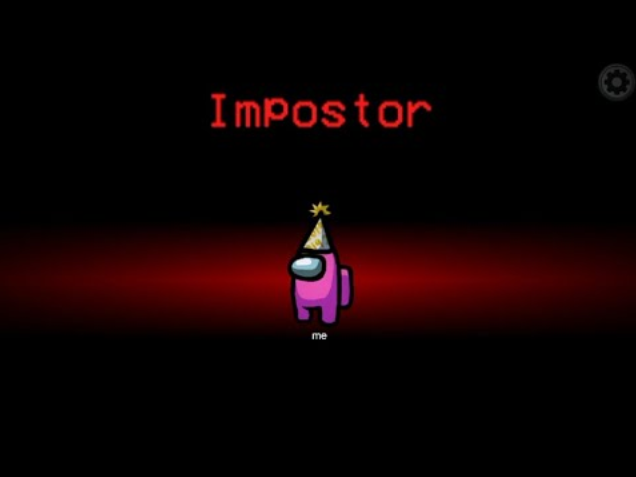
These are just some things I’ve thought of while reflecting on my experience so far in the challengingly and intimidatingly creative environment that is Wake Forest and the Student Tech Consultant program. I hope that they can help you as they helped me if you ever find yourself feeling like an impostor in a world of creative minds.